Convert Video to Ghibli Style with AI: Free & Online
Create stunning Ghibli-style videos from your real-life footage effortlessly. Our free AI converter handles the complex art styles for you. No software needed—just upload, apply the effect, and download your anime video.
How to Convert Video to Ghibli Style with AI

1. Upload Your Video Clip
Start by clicking the 'Upload video' area in the 'Your video' section. For the best Ghibli-style transformation, ensure your file is an MP4 or MOV under 10MB.
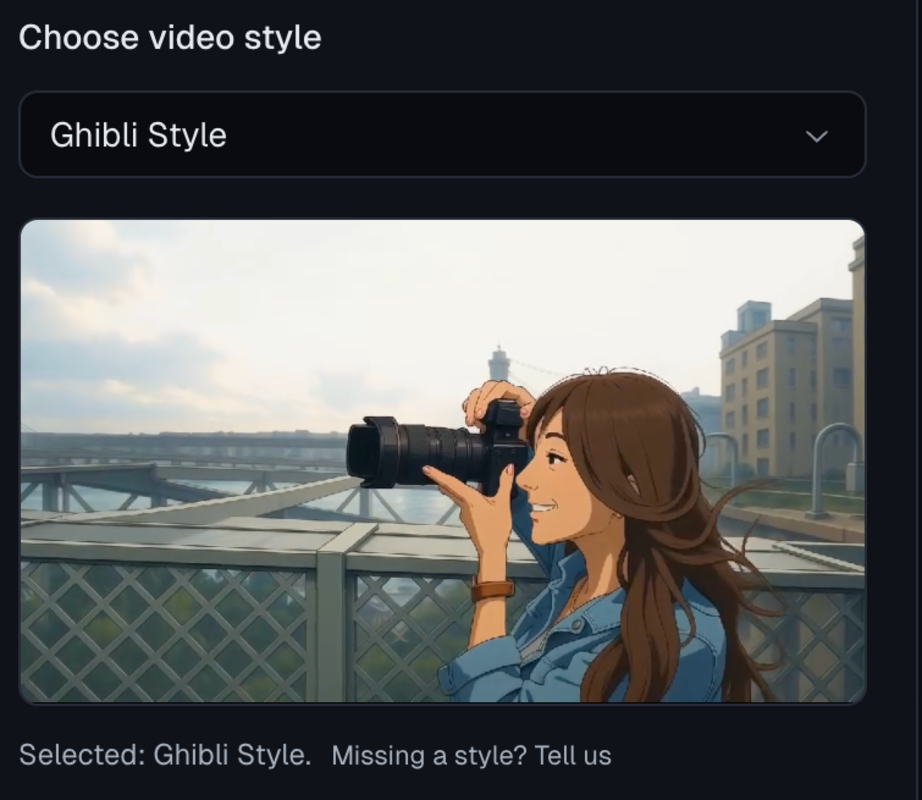
2. Select 'Ghibli Style'
Go to the 'Choose video style' dropdown menu and select 'Ghibli Style'. Give your video the famous Ghibli anime style instantly.
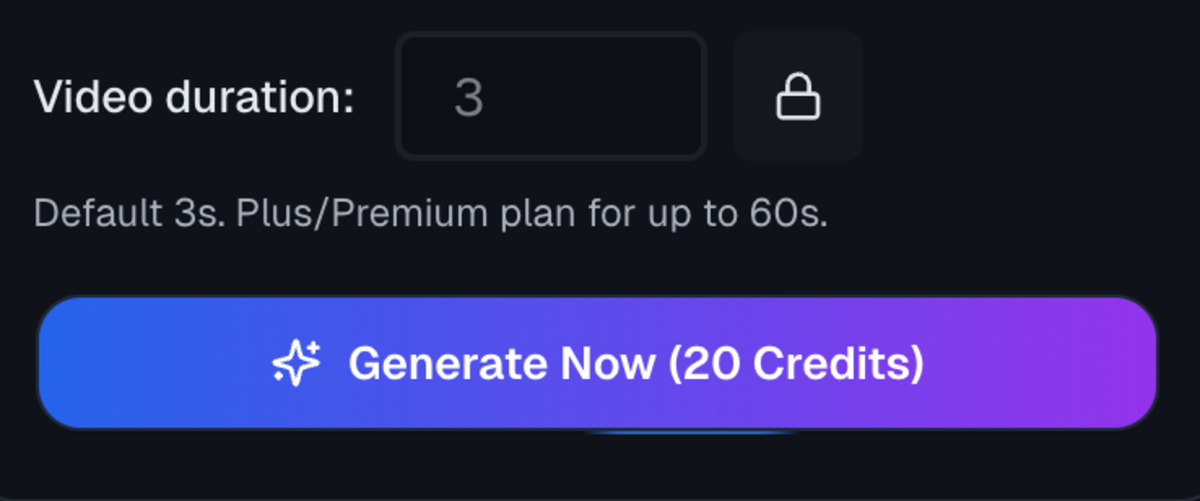
3. Configure Duration & Generate
Set your desired Video duration (default is 3s; Premium users can extend up to 60s). Finally, click 'Generate Now' (20 Credits) to instantly transform your clip into a stunning Ghibli-style animation.
Features of LensGo AI Video to Ghibli Style Converter
Unlike generic filters that simply increase saturation, LensGo AI is specifically trained on the artistic nuances of Studio Ghibli masterpieces. Here is what makes our tool unique:
True-to-Style Ghibli Aesthetics
Accurately converts your video to Ghibli style using soft pastel colors, dreamy lighting, and the iconic Studio Ghibli visual language — not generic cartoon filters.
Generate Ghibli Video Now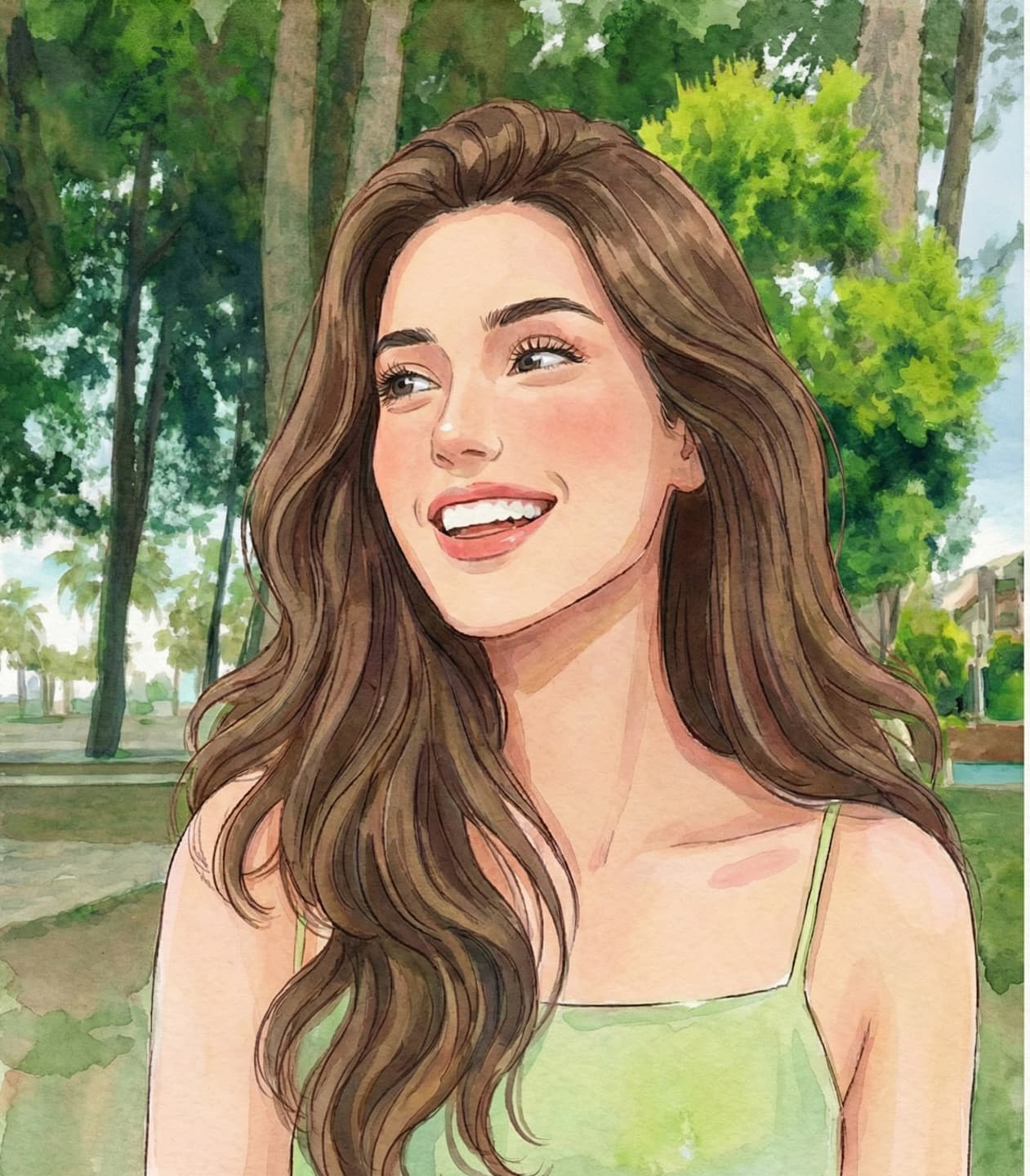
Flicker-Free, Smooth Animation
Ensures stable, consistent frames with no jitter or flashing. Motion stays smooth and natural, closely matching classic hand-drawn anime quality.
Generate Ghibli Video Now
Smart Character & Background Rendering
Automatically separates subjects from scenery. Preserves facial expressions while transforming real-world backgrounds into detailed, Ghibli-style landscapes.
Generate Ghibli Video Now
Whimsical Nature Transformation
Brings a magical touch to nature when converting video to Ghibli style. The AI enhances skies, clouds, fields, and landscapes with soft anime textures — turning ordinary scenes into dreamy, whimsical environments.
Generate Ghibli Video Now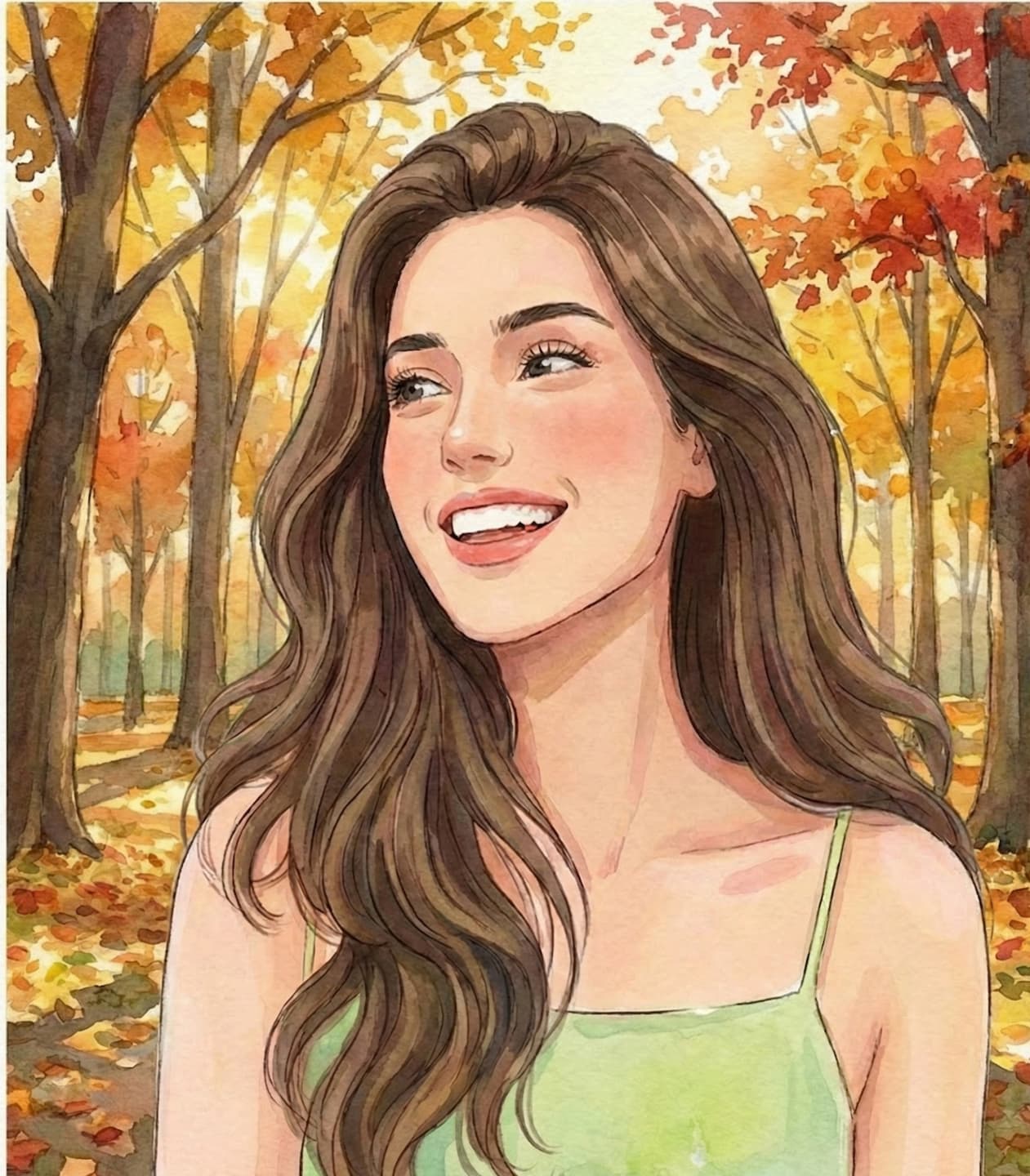
Up to 60s Continuous Anime Video
Generate up to 60 seconds of uninterrupted video to Ghibli animation — ideal for storytelling on TikTok, Reels, and YouTube Shorts without stitching clips.
Generate Ghibli Video Now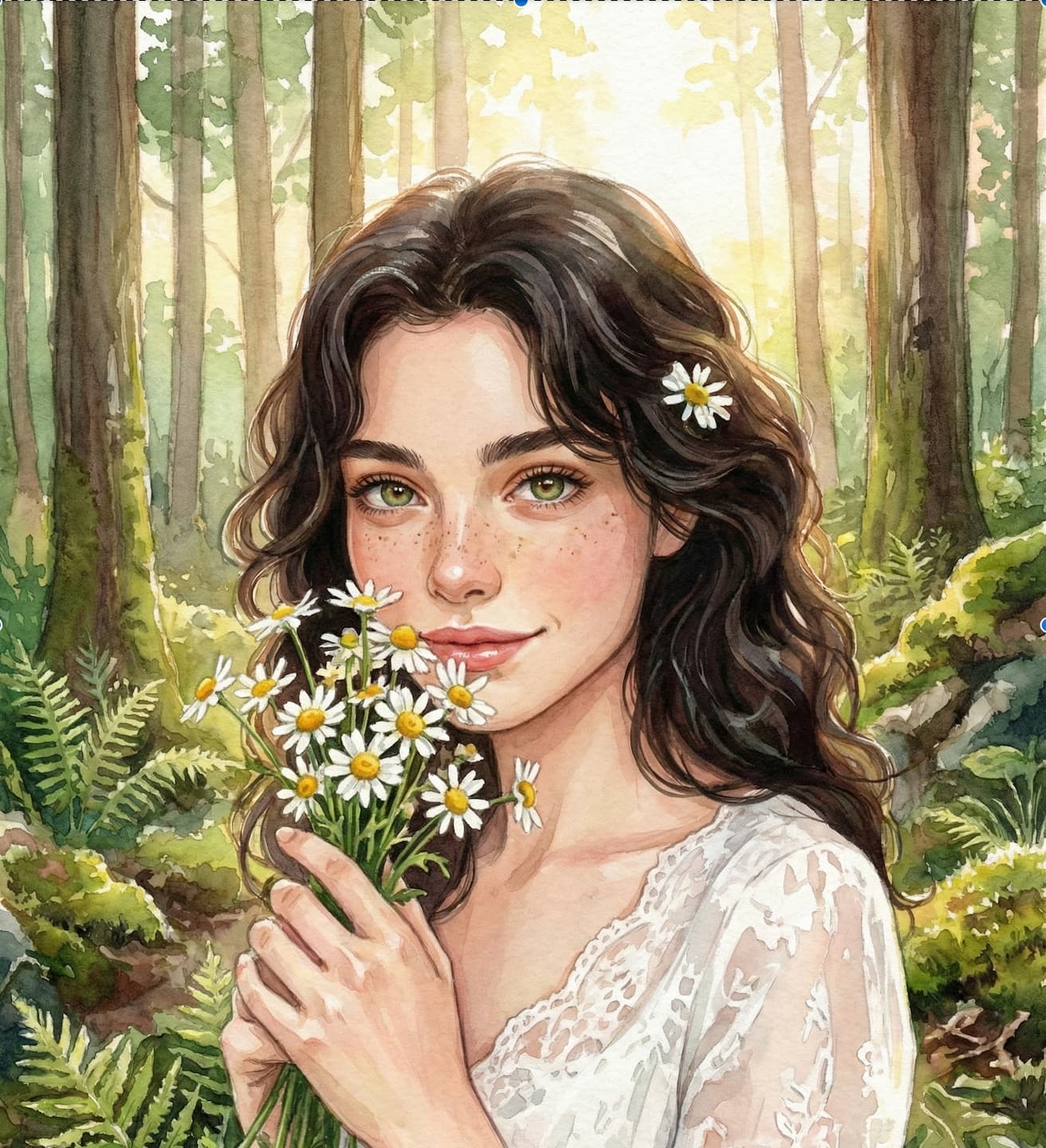
Why Choose LensGo Video to Ghibli Converter
Boost Social Engagement
Turn ordinary videos into eye-catching video to Ghibli-style anime. The cozy, nostalgic anime aesthetic helps stop the scroll on TikTok, Instagram, and YouTube Shorts, naturally increasing watch time.
Create 60-Second Anime Stories
Most AI anime tools only support very short clips. LensGo allows you to generate up to 60 seconds of continuous anime video, making it easier to create complete stories, travel vlogs, or music videos.
Smooth, Flicker-Free Animation
Unstable frames and visual jitter can make AI videos look amateur. LensGo focuses on animation consistency, delivering smooth motion and stable characters so your videos look professional.
No Learning Curve
You don’t need animation skills or complex software. Simply upload a video, and LensGo handles the frame-by-frame anime rendering automatically, making video to Ghibli creation accessible to anyone.
Cozy Ghibli-Style Aesthetic
Ghibli-inspired visuals create a warm, calming, and nostalgic feeling. By transforming real footage into soft anime art, your content becomes more emotional, memorable, and appealing to viewers.
Frequently Asked Questions
Everything you need to know about our Ghibli Style Video Converter.
Start Creating Ghibli-Style Videos Now
Ready to go viral? Convert your videos to the Ghibli-Style anime with one click. 100% online and free to try.