Video to Cartoon Converter Free Online
Use LensGo AI to convert real footage, selfies, and images into short anime or cartoon videos — perfect for Shorts, Reels, TikTok, and edits.
How to Turn Video into Anime/Cartoon Online
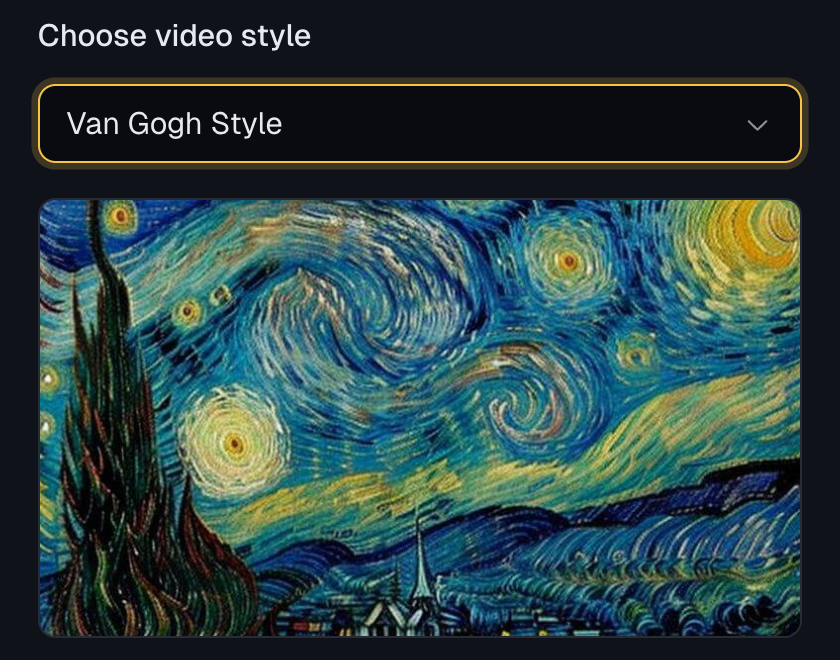
1. Pick an Anime or Cartoon Style
Open LensGo AI, go to Video to Anime, and choose a style you like—anime, 3D cartoon, pixel, watercolor, and more.
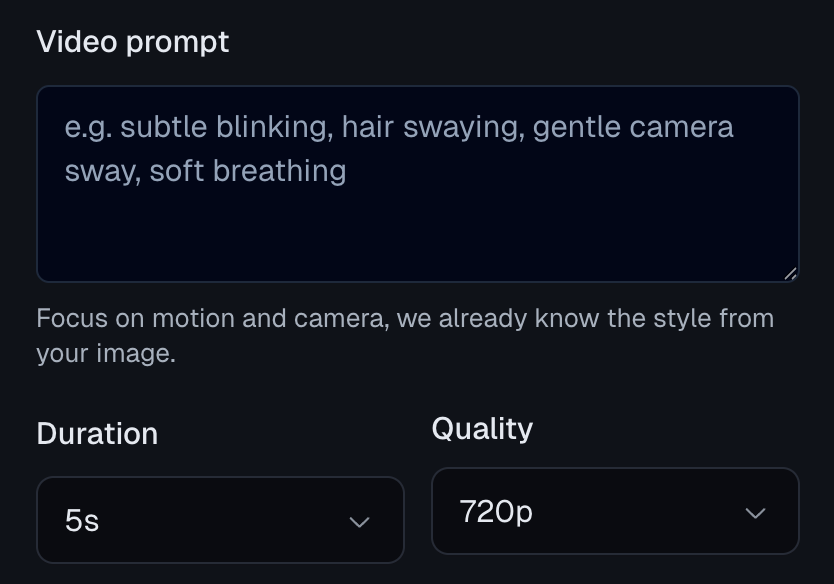
2. Upload Your Video & Set Duration/Quality
Upload your clip, choose how long you want the output to be, pick the quality level, and hit Generate to start the AI conversion.
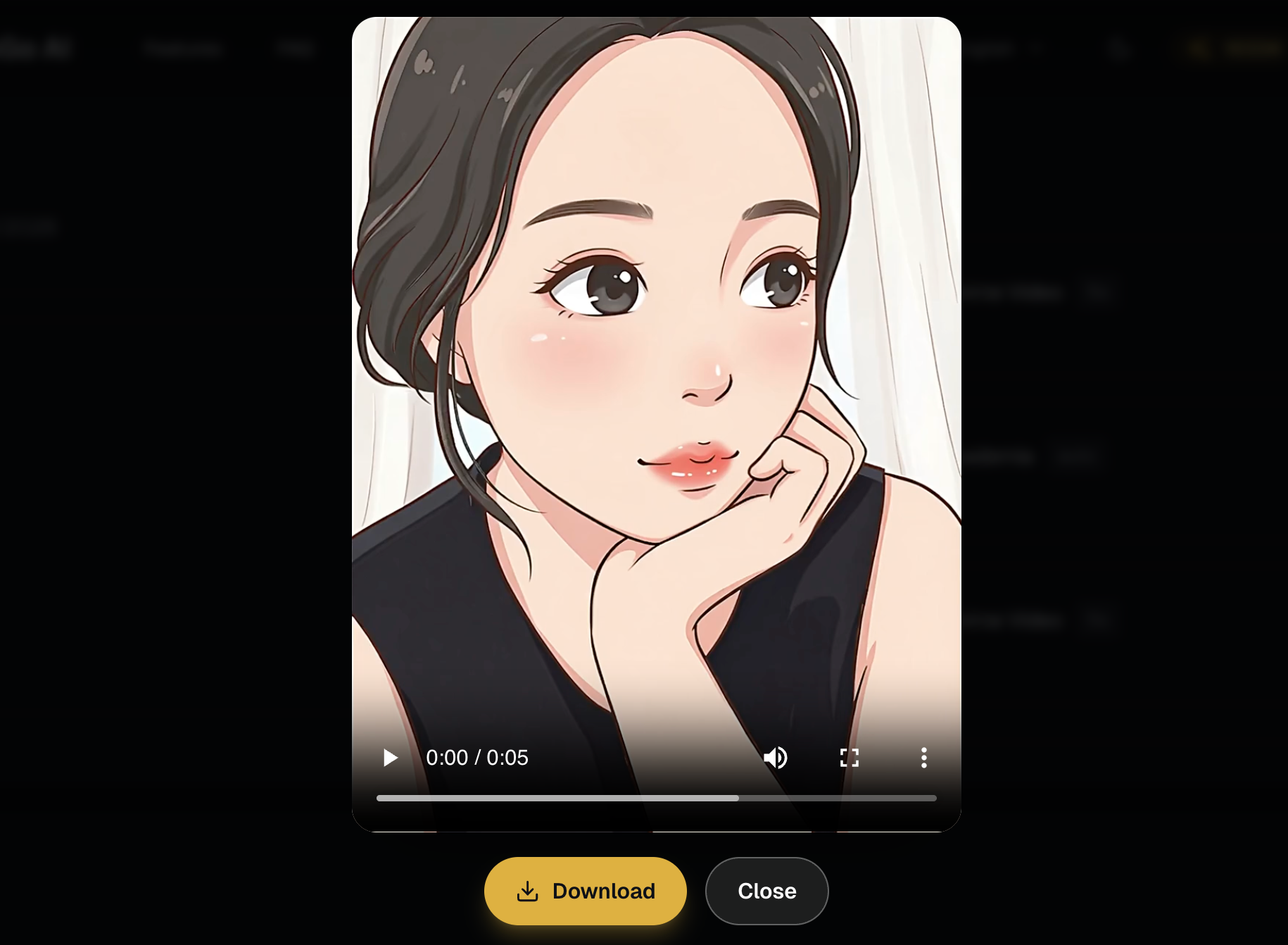
3. Preview, Tweak & Download
Check the result, adjust style or settings if needed, then download your anime/cartoon video once you’re happy with it.
Features of LensGo AI Video to Animation
See how LensGo AI goes beyond one-click filters with motion-preserving video to anime/cartoon, photo-to-animation, and style-aware presets in a single browser workspace.
Motion-Preserving Video to Anime/Cartoon
Turn real footage into anime or cartoon while keeping your original camera moves, pacing, and framing. LensGo AI focuses on swapping the visual ‘skin’, not breaking your shot.
Try for free
Photo & Artwork to Short Anime Clips
Upload a selfie, portrait, or existing anime/cartoon image and turn it into a 3–5 second loop. Choose styles like kawaii anime or Pixar-style 3D and keep characters consistent across videos.
Try for free
Anime & Cartoon Styles Built In
Pick from a growing library of looks—slice-of-life pastel anime, shonen-style action, kawaii / chibi, Pixar-style 3D cartoon, flat animation, watercolor, pixel art, and more—without complex prompt engineering.
Try for free
Camera Presets, Quality & Stability
Use ready-made motion presets like slow zoom-in, handheld vlog, side pan, and hero close-up, then export in HD or higher. Advanced style-transfer keeps shots stable so your anime/cartoon videos look clean, not chaotic.
Try for free
Why Create Anime Videos with LensGo AI?
Keep Your Motion, Change the Style
Video to Anime/Cartoon in LensGo AI preserves your original camera movement and timing, and only swaps the visual look into an anime or cartoon style.
Photos & Illustrations to Short Anime Clips
Turn selfies, portraits, or existing anime/cartoon images into 3–5 second animated loops, perfect for avatars, intros, and social posts.
Anime & Cartoon Styles Built In
Pick from popular looks like cute slice-of-life anime, shonen-style action, Pixar-like 3D cartoon, and more—without writing complex prompts.
Prompt Templates & Camera Presets
Use ready-made motion presets like slow zoom-in, handheld vlog, side pan, and hero close-up so your clips feel like real shots, not random effects.
Control Duration & Video Quality
Test ideas quickly with short clips, then scale up to longer, higher-resolution exports when you’re happy with the result.
Simple, Creator-Friendly Plans
Short tests cost less, longer HD exports cost more—you mainly spend on the anime/cartoon videos you actually publish, not on unused tooling.
Frequently Asked Questions
Get clear answers about using LensGo AI, what you can create, and how the anime/cartoon video tools work in practice.
Start Making Anime Videos with LensGo AI
Turn your clips, selfies, and ideas into anime or cartoon videos in a few clicks. Try LensGo AI for free, and email support@ailensgo.com if you need help getting started. 📮