Convert Photos to Anime with AI in One Click
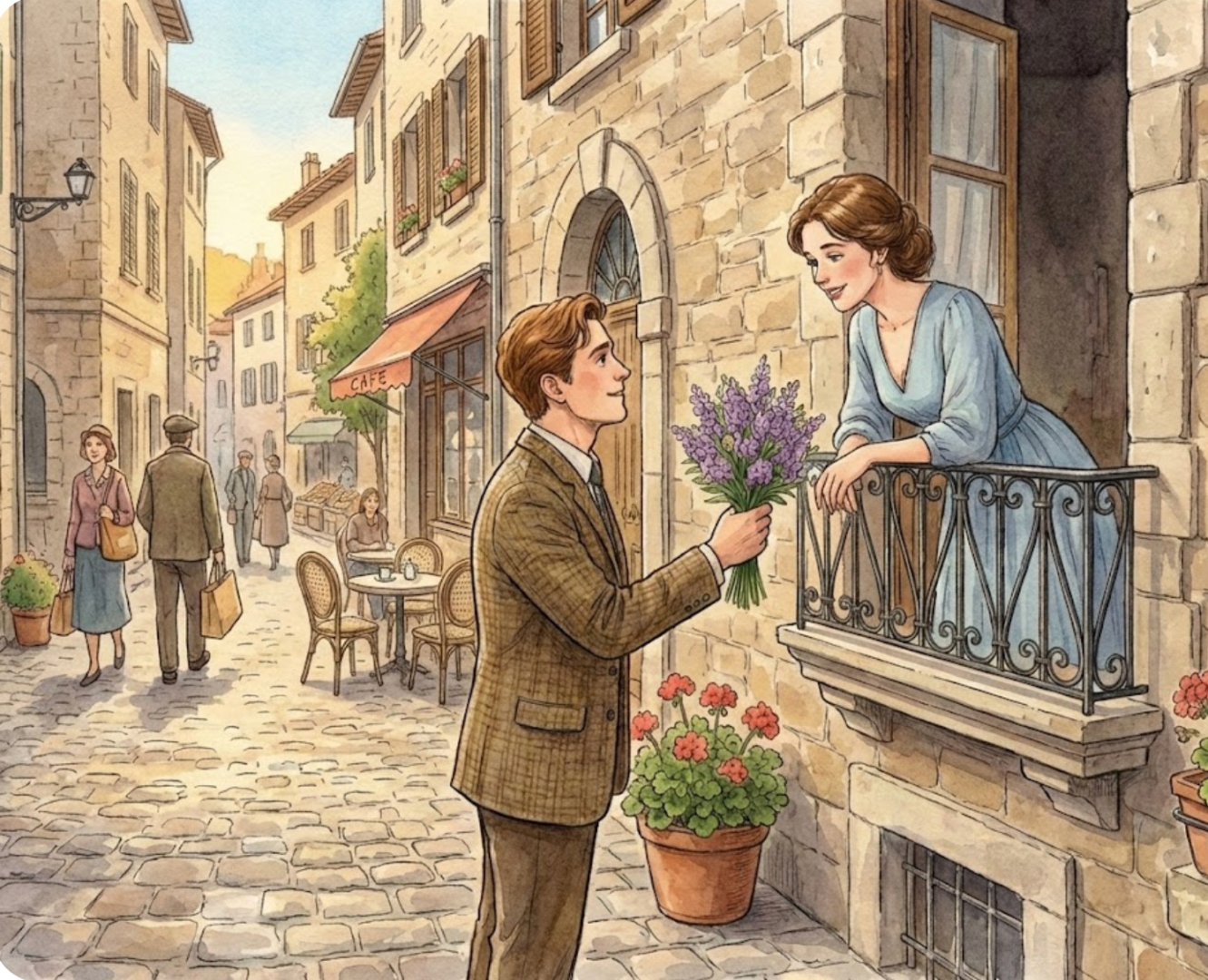
Instantly transform your photos into stunning anime art with our Free Photo to Anime AI Converter. No design skills needed—just upload, choose a style, and generate high-quality anime pics and videos in seconds.
How to Use Our Photo to Anime AI Converter
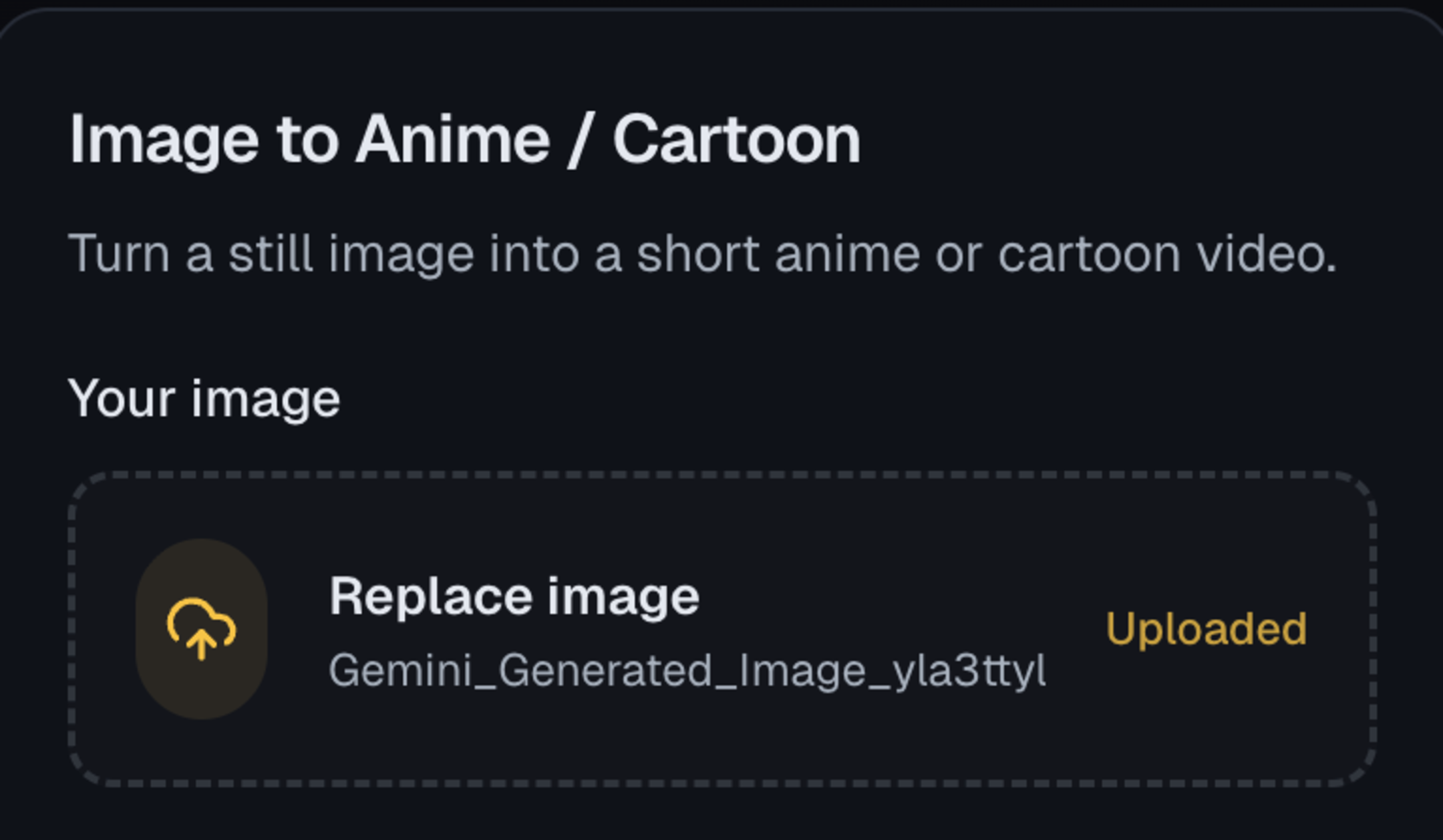
1. Upload Your Source Photo
Begin by uploading the image you wish to convert in the 'Your image' section. For the best 'photo-to-anime' results, use a clear portrait with good lighting.
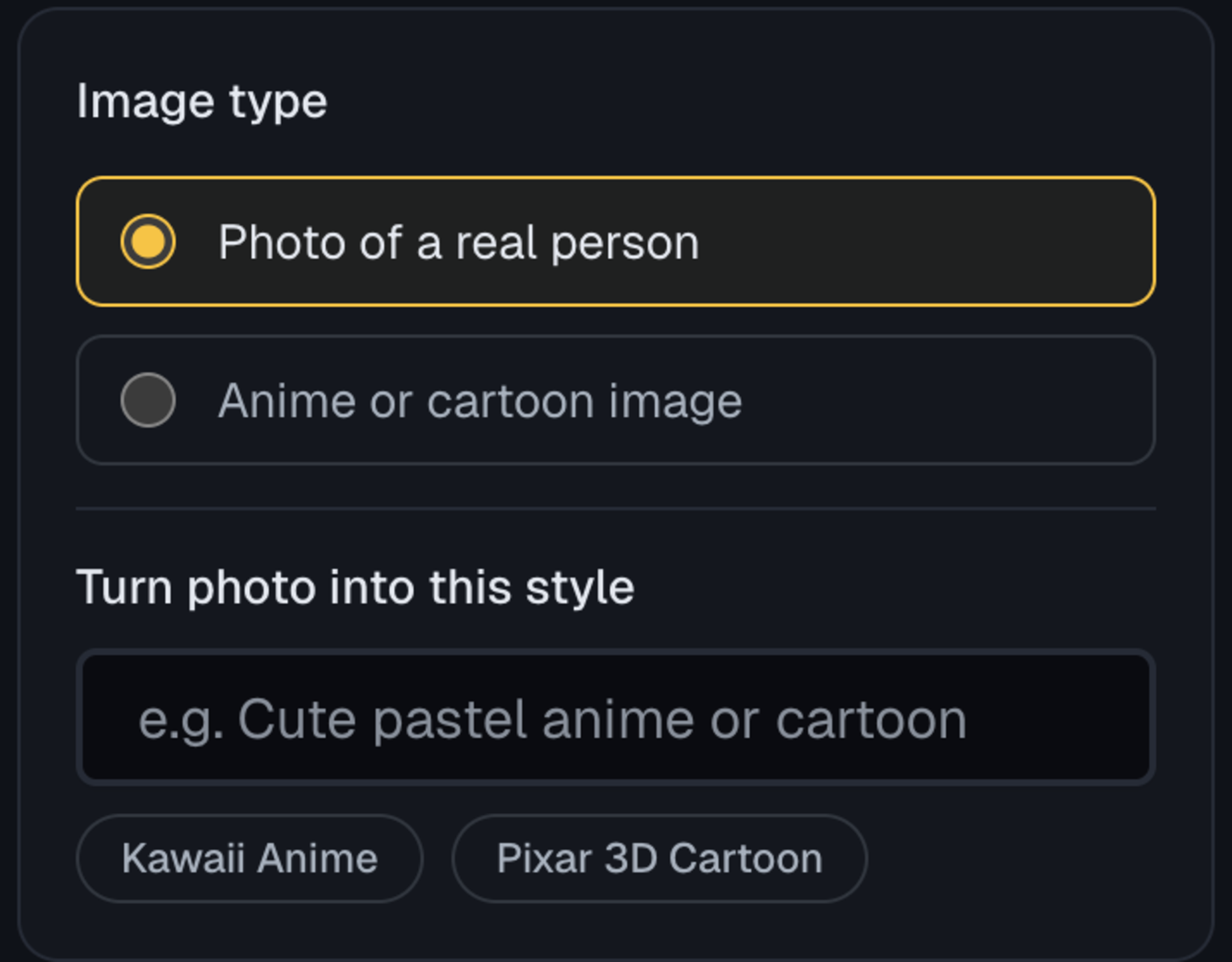
2. Specify the Input and Output Type
Under 'Image type', select 'Photo of a real person' or 'Anime or cartoon image', and choose output style like 'Kawaii Anime' or 'Pixar 3D Cartoon'.
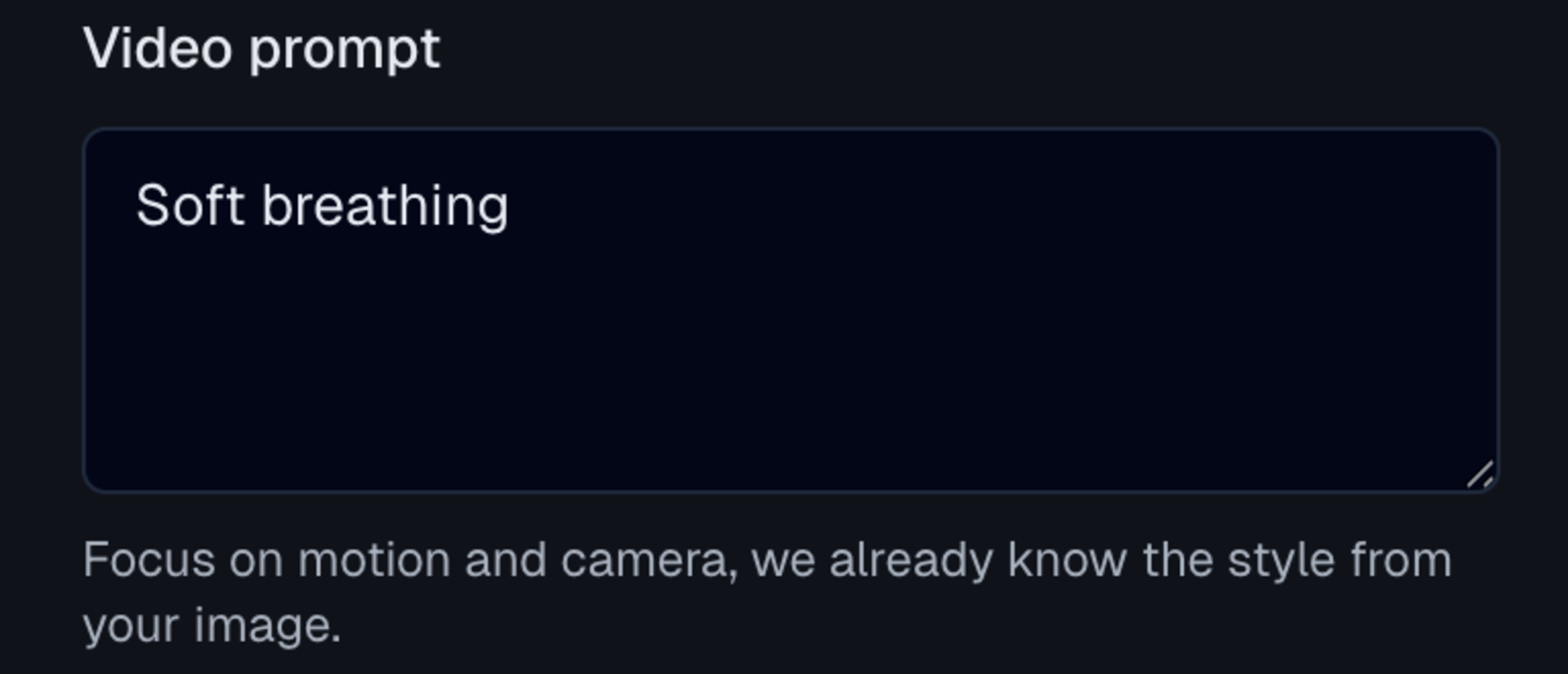
3. Enter Your Motion Prompt
Unlike basic converters, our tool adds motion. In the 'Video prompt' box, add details like 'soft breathing' or 'blinking eyes' to make your final anime result feel dynamic and alive.
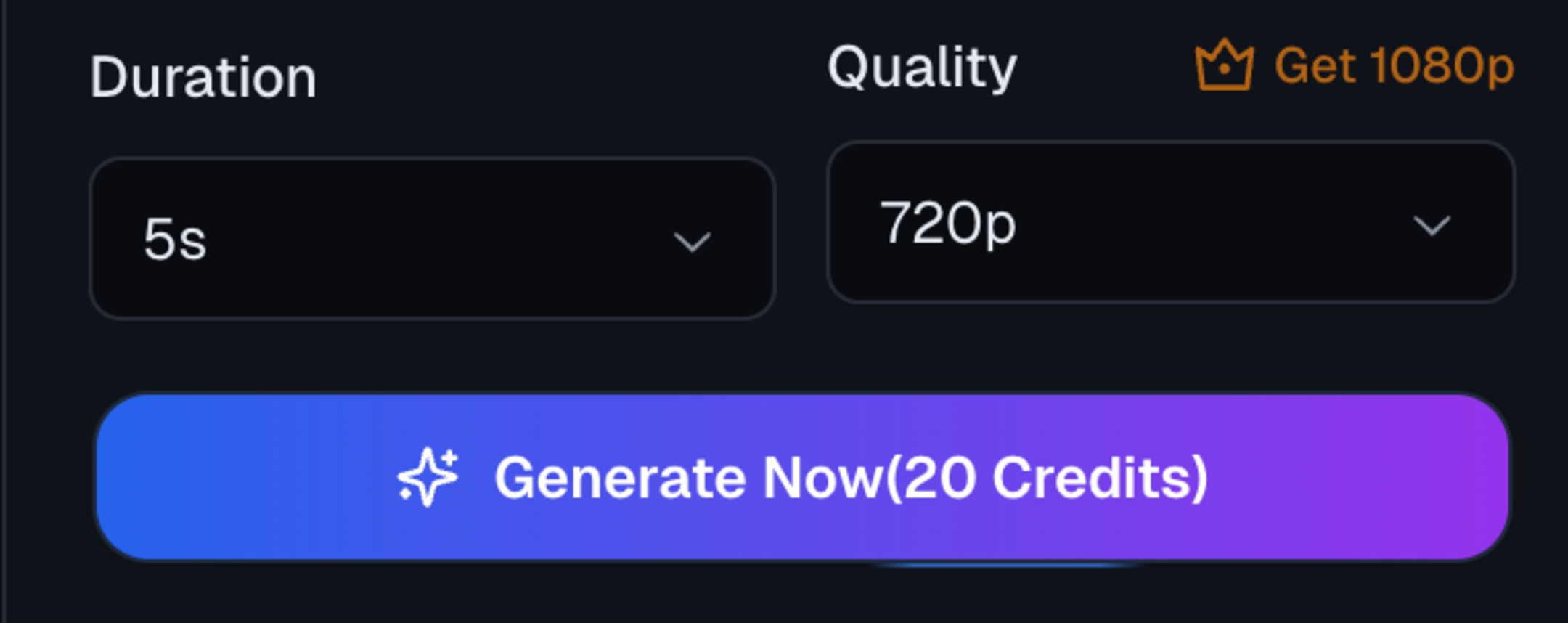
4. Generate and Download
Select your preferred Quality (e.g., 1080p) and hit the 'Generate Now' button. Our Photo to Anime AI will process the image and deliver a stunning, animated anime result.
Use Cases of LensGo AI Photo to Anime
Go beyond static filters. Our tool combines style-specific transfer (Kawaii, Pixar 3D) with text-to-motion technology, allowing you to turn photos into 1080p animated anime clips with customizable duration.
Style-Specific Anime Conversion
Stop guessing. Select the exact look you want directly. Choose Kawaii Anime for 2D Japanese aesthetics or Pixar 3D Cartoon for a modern, cinematic finish. LensGo AI applies these distinct art styles while preserving your original facial structure.
Create Anime Video Now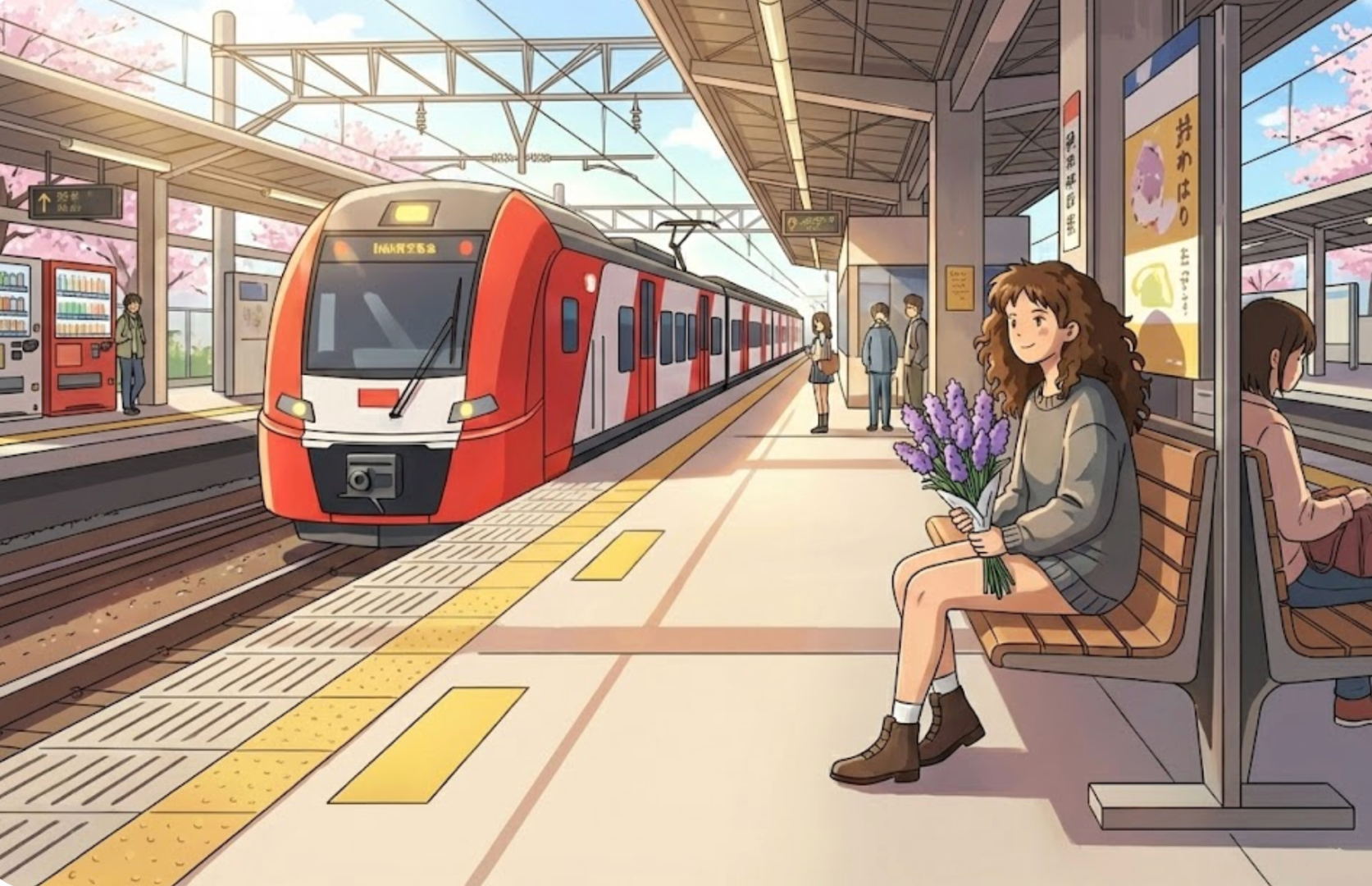
Dual-Mode Image Processing
LensGo AI treats real photos and drawings differently.Photo Mode: Select 'Photo of a real person' to preserve human likeness and identity.Anime Mode: Select 'Anime or cartoon image' to upscale or re-animate existing artwork without distorting the original lines.
Create Anime Video Now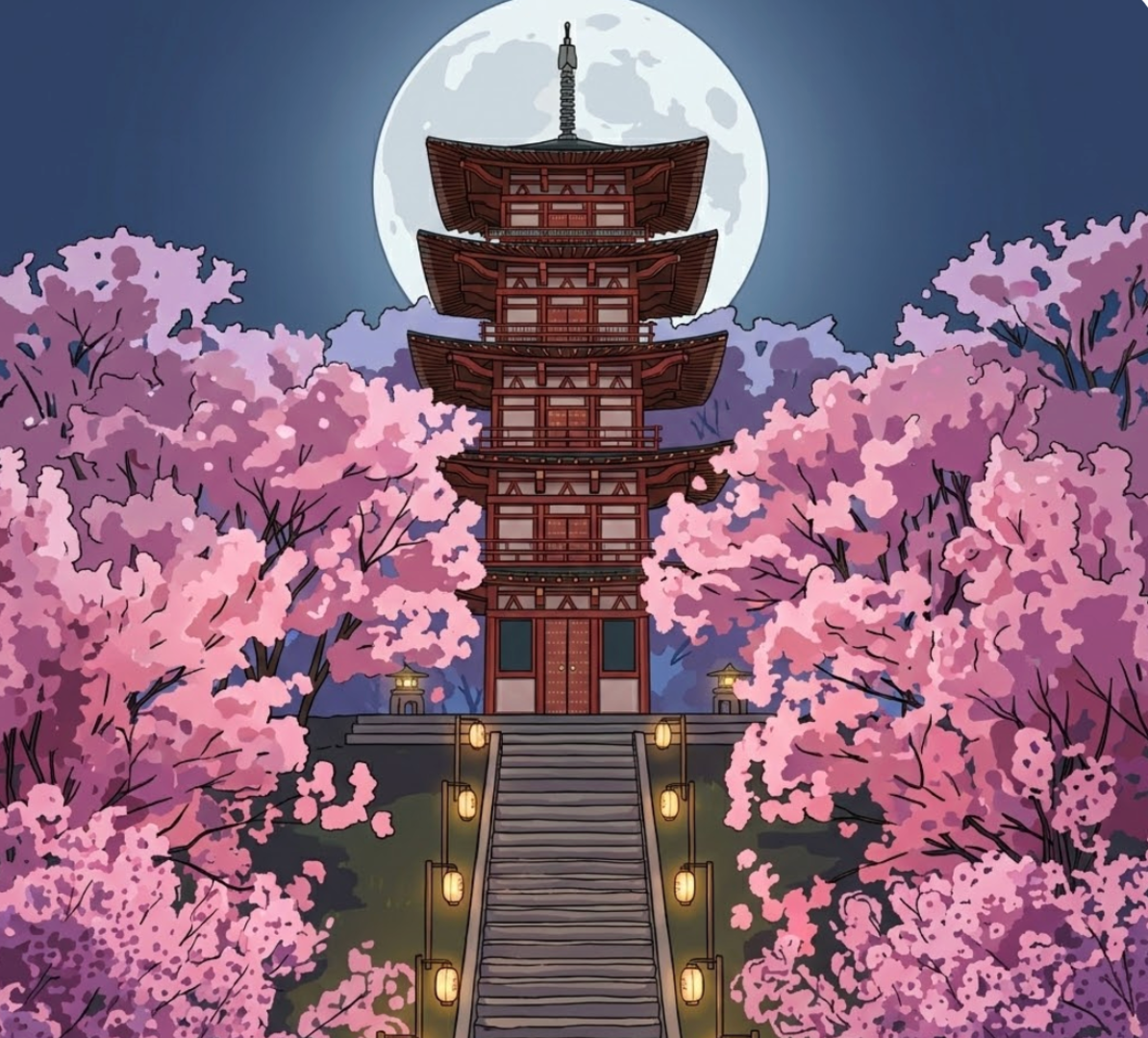
High-Resolution Export & Flexible Duration
Export content ready for social media. Ditch the grainy GIFs—generate clear 720p or 1080p videos. Control your output length from a quick 3s/5s loop (perfect for PFPs) up to a 15s sequence for TikTok or Reels storytelling.
Create Anime Video Now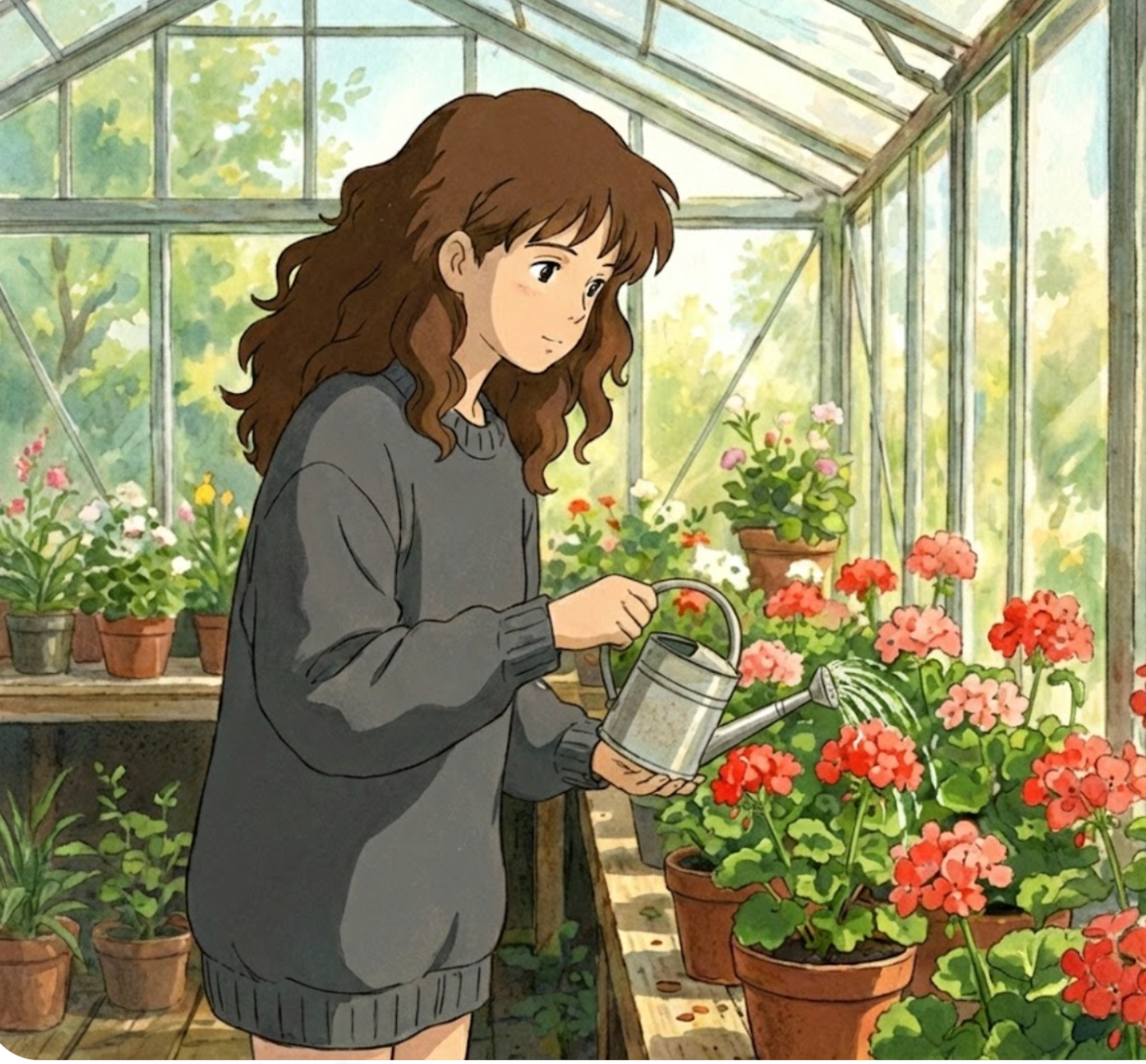
Text-to-Motion Animation
Don't settle for static JPGs. Type simple prompts like 'soft breathing' or 'hair swaying' into our Video Prompt box to instantly turn a frozen photo into a living anime video.
Create Anime Video Now
Why Create Anime Art with LensGo AI?
Beyond Static Images
Most converters only give you a frozen JPG. LensGo AI turns your photos into living, breathing anime videos. Whether it’s a blinking avatar or a smiling character, we add motion that stops the scroll.
Control Duration & Video Quality
We support 720p and 1080p HD exports. Your anime creations will look crisp and professional on big screens, YouTube, or TikTok. You also have full control over the video length, from short loops to longer clips.
Specialized Style Models
We don't do 'generic' cartoons. Our library includes specific, high-quality models like Pixar 3D and Kawaii Anime, ensuring your result matches the exact aesthetic you envisioned.
Boost Engagement & Sales
Beat ad blindness with motion. Marketers can transform static model photos into eye-catching anime-style animations to increase click-through rates on social media campaigns.
Prompt-Controlled Motion
You decide how it moves. Add a simple video prompt like 'blink', 'smile', or 'hair swaying' to create natural micro-animations instead of random motion.
Identity-Preserving Results
Keep the person recognizable. Our AI focuses on preserving key facial structure and details while applying a clean anime look—great for avatars, profiles, and creator branding.
Frequently Asked Questions
Get clear answers about using LensGo AI Photo to Anime tool.
Start Making Anime Photos and Videos Today
Turn your selfies into animated anime art in a few clicks. Try it for free!